
Git · GitHub
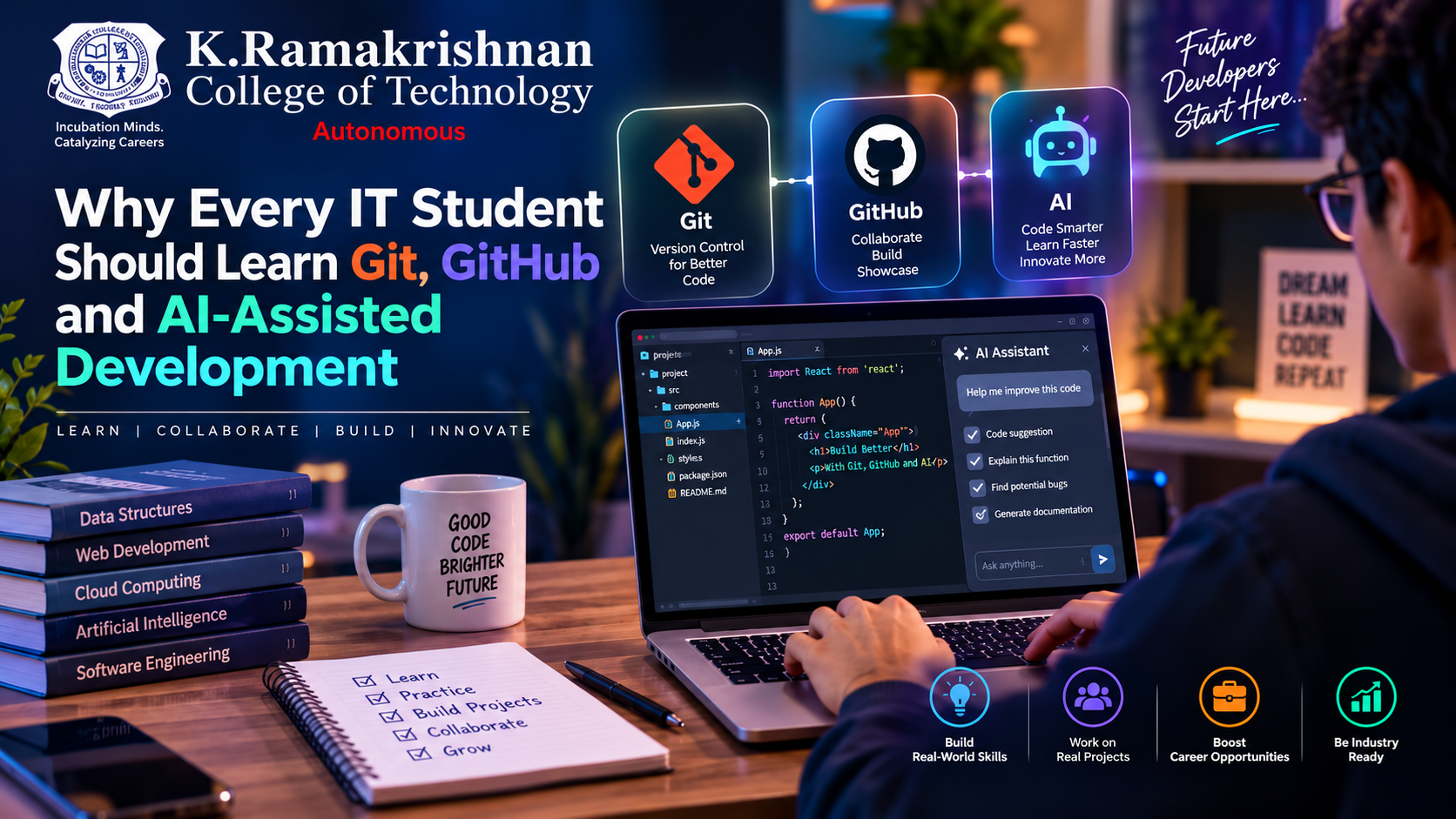
Why Every IT Student Should Learn Git, GitHub and AI-Assisted Development
In today’s rapidly evolving technology landscape, coding skills alone are not enough. Git, GitHub and AI-assisted development have become essential tools for modern software development, helping IT students collaborate, manage projects, build professional portfolios and develop software more efficiently.
September 21, 2026
Introduction
The way software is developed is changing rapidly. Today, an IT student is not expected to simply write code and complete assignments. Modern software development involves collaboration, version control, documentation, code review, automation and intelligent development tools.
Three technologies and practices have become particularly valuable for students entering the software industry: Git, GitHub and AI-assisted development.
Learning these tools early can help students move from simply writing programs to developing software in a more structured, collaborative and industry-oriented manner.
🔧 Git: The Foundation of Version Control
Git is a distributed version control system that helps developers track changes made to their source code.
For students, Git solves a very common problem: “What happened to my previous version of the code?”
Instead of creating files such as:
project_finalproject_final_newproject_final_latestproject_final_latest2
students can use Git to maintain a proper history of their project.
Git allows developers to:
Track changes in source code
Restore previous versions
Create and manage branches
Experiment without affecting the main project
Collaborate with other developers
Maintain a structured development history
Learning Git also introduces students to an important professional practice: writing meaningful commit messages and maintaining organized code repositories.
🌐 GitHub: Building a Professional Developer Portfolio
While Git manages version history, GitHub provides a platform for hosting and collaborating on Git repositories.
For an IT student, GitHub can become much more than a place to store code. It can serve as a digital portfolio that demonstrates projects, programming skills and contributions.
Students can use GitHub to:
📁 Showcase Projects
Students can publish academic projects, mini-projects, web applications and other software work.
🤝 Collaborate
Multiple students can work on the same project using branches, pull requests and collaborative workflows.
🔍 Learn from Open Source
GitHub provides opportunities to explore real-world projects and understand how professional software projects are structured.
📈 Build a Developer Profile
A well-maintained repository can demonstrate practical skills that are difficult to communicate through a traditional résumé alone.
For students preparing for internships and placements, maintaining meaningful projects on GitHub can also encourage them to think beyond marks and focus on demonstrable technical skills.
🤖 AI-Assisted Development
The emergence of Generative AI is introducing another major change in software development.
AI-assisted development tools can help developers with tasks such as:
Generating code examples
Explaining programming concepts
Finding potential errors
Suggesting improvements
Generating test cases
Creating documentation
Converting code between programming languages
Supporting debugging and problem-solving
For students, this creates an important opportunity—but also an important responsibility.
AI should be a learning assistant, not a replacement for learning.
Students should understand the code generated by AI, verify its correctness, test it and modify it according to their requirements.
Instead of asking:
“Can AI write my entire project?”
students should learn to ask:
“How can I use AI to understand, improve and develop my project more effectively?”
This change in mindset is essential for responsible AI-assisted development.
🚀 Git + GitHub + AI: A Powerful Combination
The real value comes when students combine these three practices.
Imagine a student developing a web application:
Step 1 → Plan the application
Step 2 → Use AI assistance to explore ideas and understand implementation approaches
Step 3 → Write and test the code
Step 4 → Track changes using Git
Step 5 → Push the project to GitHub
Step 6 → Collaborate with teammates through branches and pull requests
Step 7 → Use AI tools for debugging, testing and documentation
This workflow introduces students to a development process that is much closer to modern software engineering practices.
🎓 What IT Students Should Start Doing
Students do not need to become experts overnight. They can begin with small, consistent practices.
Week 1
Learn basic Git commands such as:
init → add → commit → status → log
Week 2
Create a GitHub account and publish a simple project.
Week 3
Learn branching and merging.
Week 4
Work with a friend on a small collaborative project.
Week 5
Experiment with an AI coding assistant and understand how to verify its output.
Week 6
Build a small project combining these practices.
With continuous practice, these tools can become a natural part of the student's development workflow.
💡 From Student to Developer
The transition from student programmer to software developer requires more than knowing programming syntax.
Students should gradually develop the ability to:
Think → Code → Test → Commit → Collaborate → Review → Improve → Document
Git provides version control.
GitHub enables collaboration and project visibility.
AI-assisted development provides an additional layer of intelligent support.
Together, they encourage students to develop software with greater structure, collaboration and awareness of modern development practices.
🌟 Conclusion
The future of software development will continue to evolve with new tools, platforms and AI capabilities. For IT students, the most important skill is therefore not simply learning one particular technology, but developing the ability to learn, adapt and use technology responsibly.
Learning Git, GitHub and AI-assisted development early can help students develop better projects, collaborate effectively and understand modern software development workflows.
The goal is not to let technology do the learning for us.
The goal is to use technology to learn, create and innovate better.
💻 Learn. Build. Collaborate. Innovate.
Department of Information Technology
K. Ramakrishnan College of Technology